
Why Caching Causes Submission Issues
The anti-spam feature in WPForms uses a regularly updated token to keep your site protected. When the site cache lifetime is too high, it causes a mismatch between the token referenced, and the token used on the page.
Form submission errors can occur when this mismatch causes the WPForms anti-spam feature to be activated. The server must update the site cache at shorter intervals to avoid this problem.
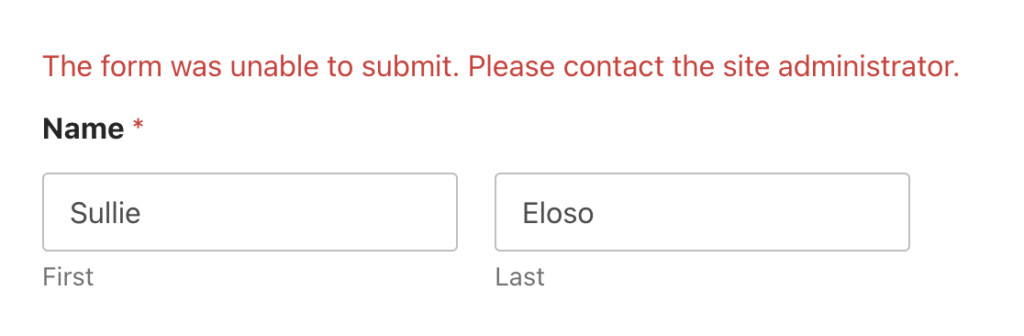
If your site’s cache lifetime is higher than that of the form token WPForms generates, users may encounter the error “The form was unable to submit. Please contact the site administrator.” when submitting your form.
Optimizing Site Cache Lifetime
Since there are multiple solutions to managing site caching, we will not list specific directions here. Setting a site cache lifetime of around 45 hours should be sufficient to avoid submission errors.
We recommend that you follow the documentation for your solution of choice.
You now know how to optimize your site cache settings to prevent form submission errors in WPForms!
Recommended settings
44 Hours to TTL is 158400 sec
24 Hours to TTL is 86400 sec