How to remove animations
To remove animations you need a media query like this:
@media (prefers-reduced-motion) {
    .underlined:before {
        width: 100%;
        animation: none;
        animation-delay: unset;
    }

    .scaled-img {
        filter: none;
        animation: none;
        animation-delay: unset;
    }
}
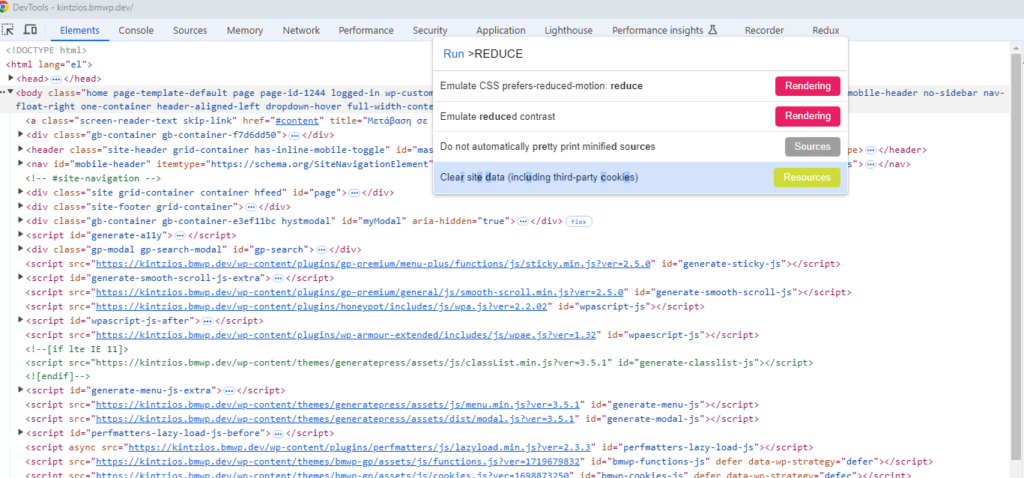
Test it live on Google Chrome
- Open the inspect tool of Google Chrome
CTRL + SHIFT + P- Type for reduce and Click on Emulate CSS prefers-reduced-motion
- Do the same process from the opposite to undo this and to return the browser to the normal behaviour